
An office power outage does not necessarily end when the electricity comes back. Servers may remain off, an application may be unable to reach its database, or storage may need checking before work can resume. The aim of an orderly server shutdown is to reduce these risks: stop activity in a controlled way and plan how to restore service.
Buying a battery is not enough. You need to know which systems support each business process, how much headroom the installation provides and what will trigger the shutdown if nobody is there.
What a UPS protects and where its limits lie
A UPS for servers — an uninterruptible power supply — can temporarily keep connected equipment running when the mains supply fails. That window may be enough to ride through a brief interruption or complete a safe shutdown. It does not guarantee that the office will keep running through every outage.
UPS runtime depends on the model, battery capacity and condition, and the connected load. The time available during an office power outage is not the same for one server as for several servers and storage systems. An old estimate should not be treated as current after adding equipment.
The Schneider Electric UPS buying guide explains the relationship between load and runtime. Shutdown planning requires the documentation and estimates for the specific equipment, not a universal number of minutes.
A UPS also does not replace backups. Providing temporary power and recovering information are different functions. A controlled shutdown reduces risks, but does not eliminate every cause of data loss.
Before an office power outage: identify the dependencies
When preparing for an office power outage, the first step is not deciding which button to press: it is understanding what each service needs to work. An application may depend on a database, shared storage and network services. If a dependency disappears before the systems that rely on it have finished working, those systems may lose access while still trying to save information.
Identify which devices receive UPS power and which communications the shutdown solution needs. Protecting a server while leaving the network switch that carries its shutdown commands without power can interrupt that mechanism. The solution will depend on whether communication uses USB, a network management card or another compatible integration.
- Services and dependencies.
Map applications, databases, virtual machines, storage and networking. Record what must remain available while other components stop.
- Power and communications.
Document which outlet supplies each device and which connections communicate UPS status. Check the limits and compatibility of the installed model.
- Ownership and recovery.
Assign responsibility for maintaining the procedure, reviewing alerts and confirming when services are ready to use again.
The aim is not to repeat all the server maintenance tasks, but to add a specific response to power loss and its dependencies.
How to automate shutdown during an office power outage
A UPS for servers does not configure the shutdown of connected equipment by itself. An orderly server shutdown during an office power outage requires a compatible mechanism to communicate the event and execute the planned actions without intervention. Depending on the environment, this may use local software, agents, a management card or integration with the virtualisation platform. Not all equipment supports the same features.
The Schneider Electric UPS management documentation describes solutions that coordinate the shutdown of systems and virtual machines. These are capabilities of specific products and configurations, not features to assume in every UPS.
The shutdown trigger must leave headroom
The technical owner must compare UPS runtime with the time applications and systems need to stop, then determine when to start shutdown with sufficient headroom. Waiting until the battery is exhausted can leave the process incomplete. Available settings and their calculation must be checked against the manufacturer's documentation and validated in that environment.
There is no shutdown order that fits every office
The sequence must respect actual dependencies: components that other systems need should not disappear while those systems are still using them. Virtualised environments also require coordination between virtual machines, their hosts and storage. Copying another company's shutdown list can introduce a failure instead of preventing one.
An office power outage alert helps you understand the incident, but does not execute the procedure. The outage may also affect the Internet connection and therefore notifications or remote access.
Planning power outage recovery
Effective power outage recovery goes beyond restoring electricity: the return of mains power does not mean every device will restart automatically. Behaviour depends on the UPS, its outlet groups where available, the server configuration and the management solution. Some settings may keep equipment off until someone intervenes.
The plan must therefore document whether recovery will be automatic or supervised, the conditions that allow it to start and how startup dependencies will be respected. The PowerChute Network Shutdown documentation shows that even the options to turn off the UPS or remain off after power returns depend on the equipment and configuration.
Before closing the incident, check storage and system status, review application errors and perform a representative everyday business operation. A responding server does not prove that staff can open their files or use their business software. Also review any interrupted backup jobs and confirm when a new valid backup has been completed.
Test the procedure without improvising a blackout
To prepare for an office power outage, the plan needs controlled validation: check UPS communication, configured actions and the time required to stop and restore services. A test must be agreed for a maintenance window, with verified backups and a recovery procedure.
Do not disconnect power to production systems to test this on your own. Electrical checks and work on the installation belong to qualified personnel. The technical team must select tests compatible with the manufacturer's guidance and the needs of the business.
If the connected load, batteries or service dependencies change, review the plan. A useful procedure reflects the office as it is today, not as it was before the last expansion.
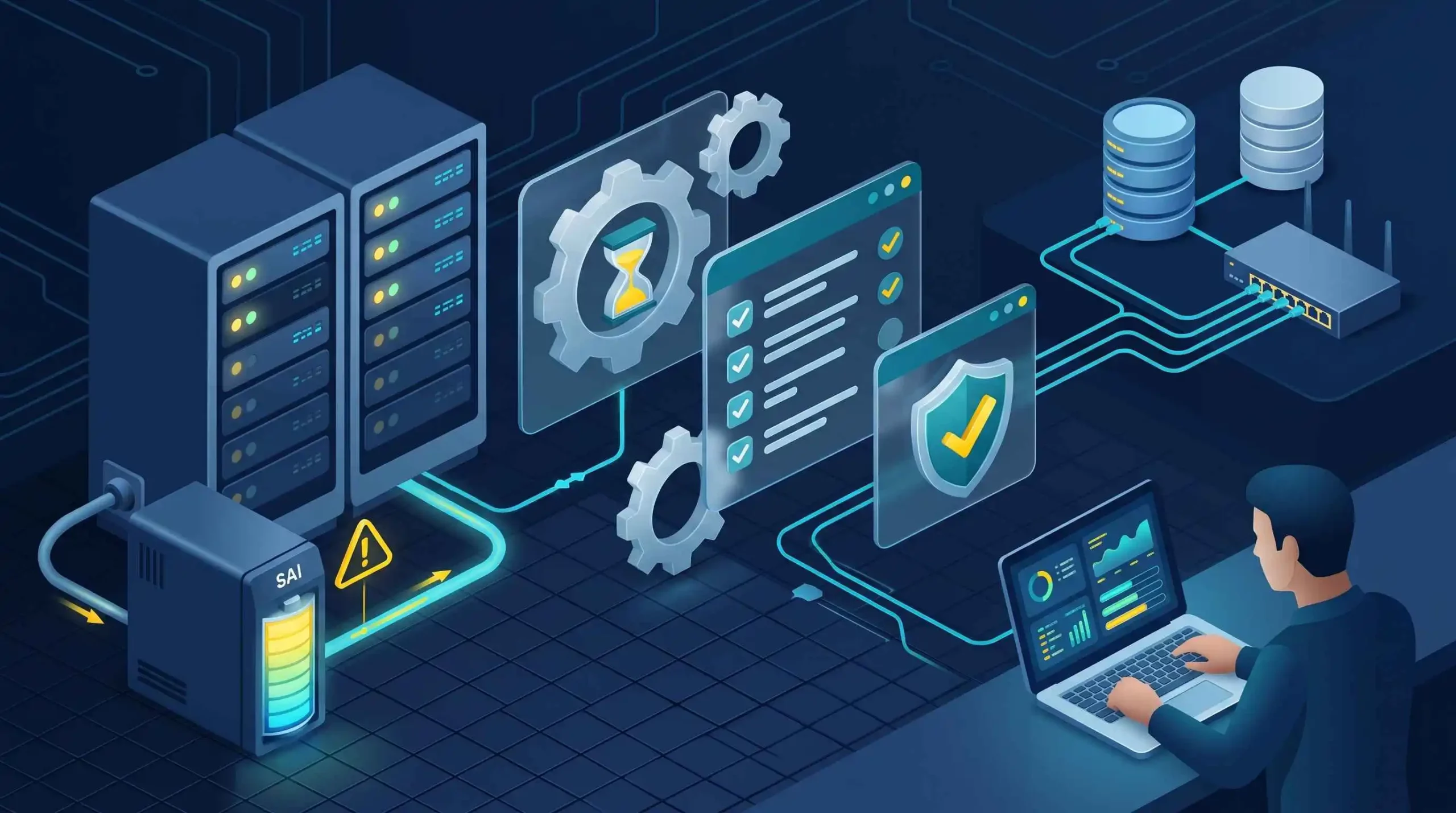
Plan the shutdown before you need it
During an office power outage, the question is not just how long the battery lasts, but whether services can stop within that window and recover in a controlled way afterwards. Power, communications and dependencies must be part of the same plan.
Open-Tech provides server hardware and software maintenance and checks, alongside monitoring. If you need to review the condition of your infrastructure, explore our business server service and discuss the requirements of your environment.
Review your servers with Open-Tech