
A laptop handover and return process needs more than knowing who uses each computer. It also helps to record what was handed over, when it was received and in what condition the device came back to the company.
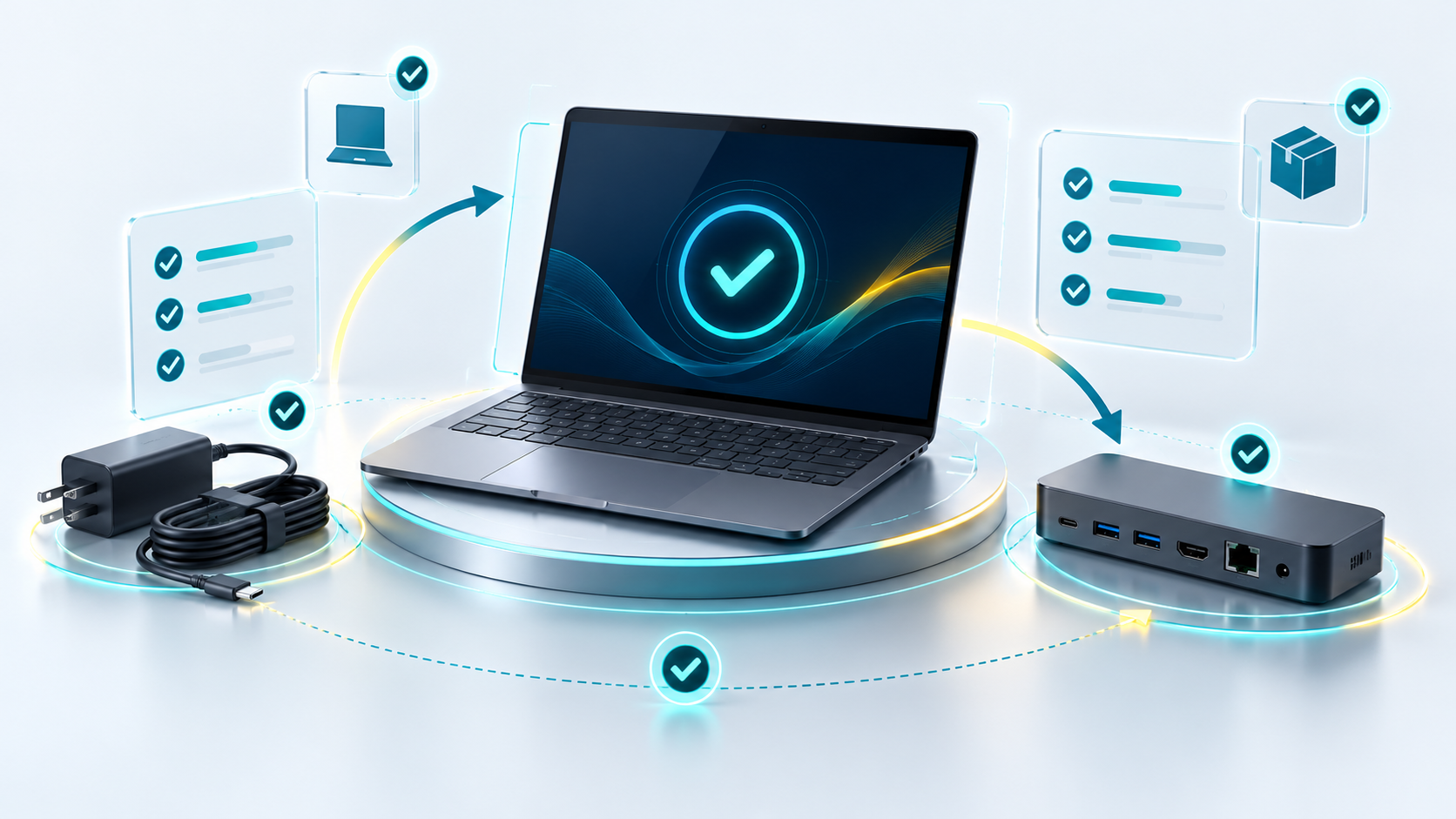
Imagine a hypothetical situation: a laptop leaves with its charger and a docking station. Months later the computer comes back, but the dock is missing and nobody remembers whether a mark on the screen was already there. A clear record helps compare the facts without assigning responsibility before checking it.
1. Link laptop handover and return to your inventory
Your inventory shows which devices the company owns and who uses them. The equipment handover record documents their movements: dispatch, receipt, return and review. Both should share a stable identifier, such as the internal asset code or its serial number.
To keep laptop handover and return under control, you do not need two separate lists. You can link each movement to the asset in the tool you already use. That way one sheet cannot show a location while another keeps an old assignment.
If you need to review how your hardware estate is organised, read our article on device management in your company. Here we focus on physical traceability rather than repeating the full administration of the fleet.
2. Document laptop handover and return with specific details
A good equipment handover record describes what actually travels with the laptop. The phrase “computer and accessories” does not let you check afterwards whether a charger, a dock or several adapters were included.
-
Identified device.
Make, model and the asset code or serial number that distinguishes it from other identical devices.
-
Assigned person and responsible parties.
Who receives the laptop and who prepares or coordinates the movement.
-
Accessories and quantities.
Charger, docking station, adapters or bag, according to what the handover actually contains.
-
Condition and checks.
Visible marks and the tests carried out. “Powers on and charges” is more precise than “perfect condition” when only those functions were checked.
-
Dates and confirmations.
When the device leaves, when it is received and who confirms each step.
Recording laptop handover and return does not require collecting unnecessary information. Avoid including passwords, personal documents or photographs of screens showing data unrelated to the process. Limit access to the record to the people who need to manage it.
3. Separate shipping and receipt in laptop handover and return
For a remote laptop handover, agree on the destination through the authorised channel, identify the contact person and define who coordinates transport. The packaging should fit the device and the requirements of the carrier you choose.
The tracking reference helps you locate the parcel, but it does not by itself confirm that the assigned person received everything expected. For a remote laptop handover, distinguish three states: prepared, shipped and received.
Laptop handover and return records should also reflect any differences found. If an adapter is missing or the packaging is damaged, note the incident and who will review it. A “delivered” notice from the carrier does not equal a confirmed receipt of the contents.
When you organise a remote laptop handover, the address needed for shipping does not have to be visible in an inventory shared with the whole workforce. Separate logistics data from the general record where appropriate.
4. Review the return stage of laptop handover and return
Before a company laptop return, agree which items must come back, who will receive the package and how the return will be organised. Retrieving the original list saves the person from having to remember which accessories were assigned.
When the shipment arrives, check the device identifier, count the accessories and compare the observed condition with what was recorded when it left. If the technical checks are missing, use a status such as received, pending review instead of marking it as ready to reassign.
A company laptop return also does not close accounts or permissions. The managing access when an employee leaves article is a complementary process. Any preparation for reusing the computer must follow the company's authorised procedure.
Example of an equipment handover record
This fictional example shows how to track the same asset without confusing the arrival of the package with the closing of the return.
- Asset: laptop EQ-024, assigned to user A.
- Items dispatched: laptop, one charger and one docking station.
- Initial condition: mark on the lid; power and charging checked.
- Initial receipt: date and confirmation recorded, no differences reported.
- Return: laptop and charger received; docking station outstanding.
- Review: same mark on the lid; other technical checks pending.
- Open action: IT coordinates recovery of the dock and the remaining review.
5. Close the exceptions in laptop handover and return
If an accessory is missing or damage appears, describe the difference first: what is observed, who checks it and when. The record helps compare information, but it does not automatically prove who caused the damage or when it happened.
To complete a company laptop return, assign an action and a person responsible for following it up. Closure can come when the outstanding item is recovered or when an approved exception is documented according to the internal process.
Do not assume compensation, penalties or financial obligations. Once the movement is resolved, update the location and condition of the asset. Retention of the record and its access permissions should follow the applicable policy, without setting a universal deadline.
A received device is not always a closed return
Organising laptop handover and return lets you answer four questions: what left, who received it, what came back and what is still outstanding. The key is to separate the physical movements, the technical checks and the resolution of exceptions.
At Open Tech we offer IT support and hardware and software solutions for companies. If you need to review how the management of your laptops fits with the maintenance of your hardware estate, we can help you assess your needs.
Explore our IT services for companies